

Skip to content

How it works

Five minutes. Here’s every one of them.

From your phone, tablet or computer. No forms to type, no office queue, no fee.

  1. Step 1 of 6 · about 0:30

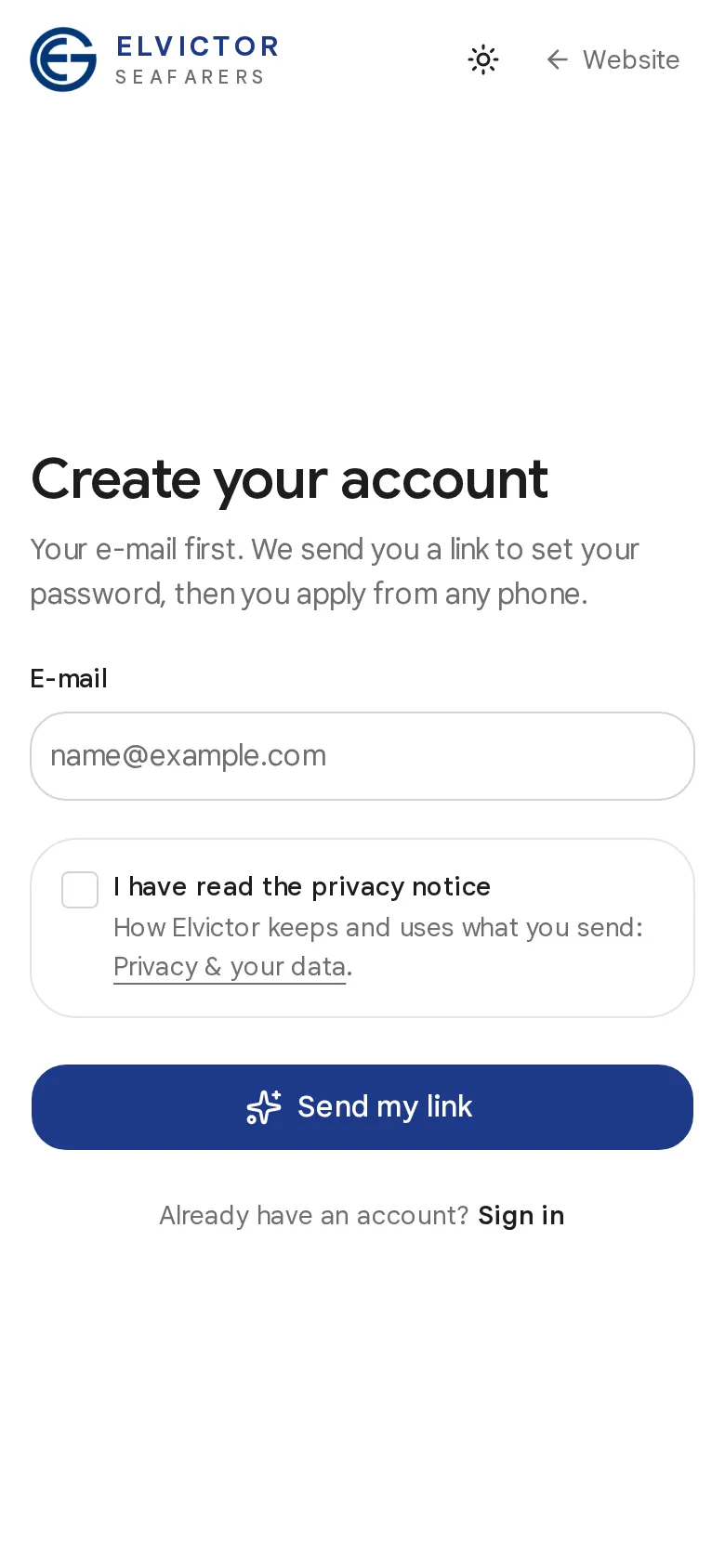
    Your account

    Your e-mail and a password. We send you a link, you set your password, and you are in.

  2. Step 2 of 6 · about 1:15

    Declaration of consent

    Your declaration of consent opens from the link we e-mail you. Check your details and tick that you consent: your name is your signature.

  3. Step 3 of 6 · about 2:00

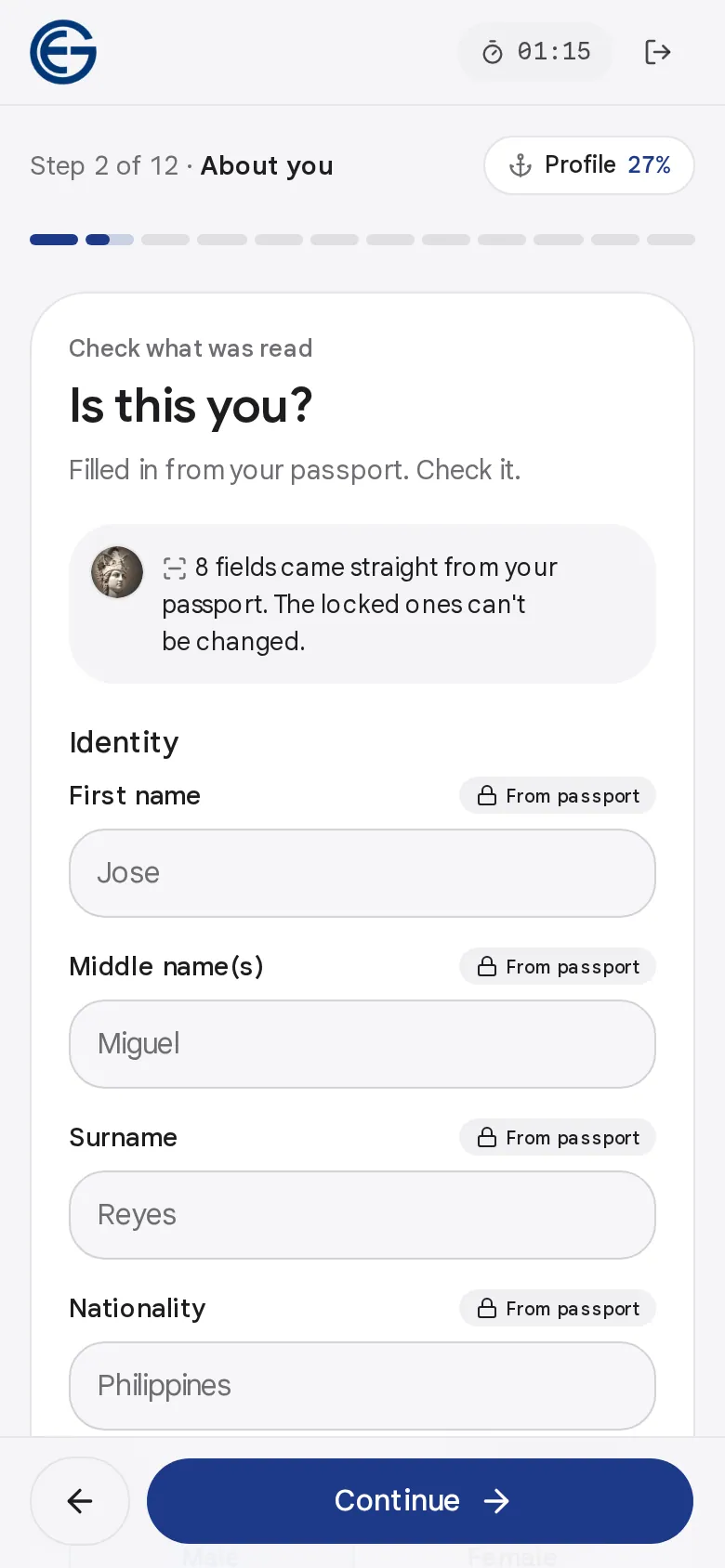
    Passport

    A photo or a scan of the photo page. ATHENA reads the two code lines at the bottom, checks their digits and fills in your details.

  4. Step 4 of 6 · about 2:30

    Phone and messaging apps

    Your mobile and the apps you use. It is on your profile as soon as you save it.

  5. Step 5 of 6 · about 3:30

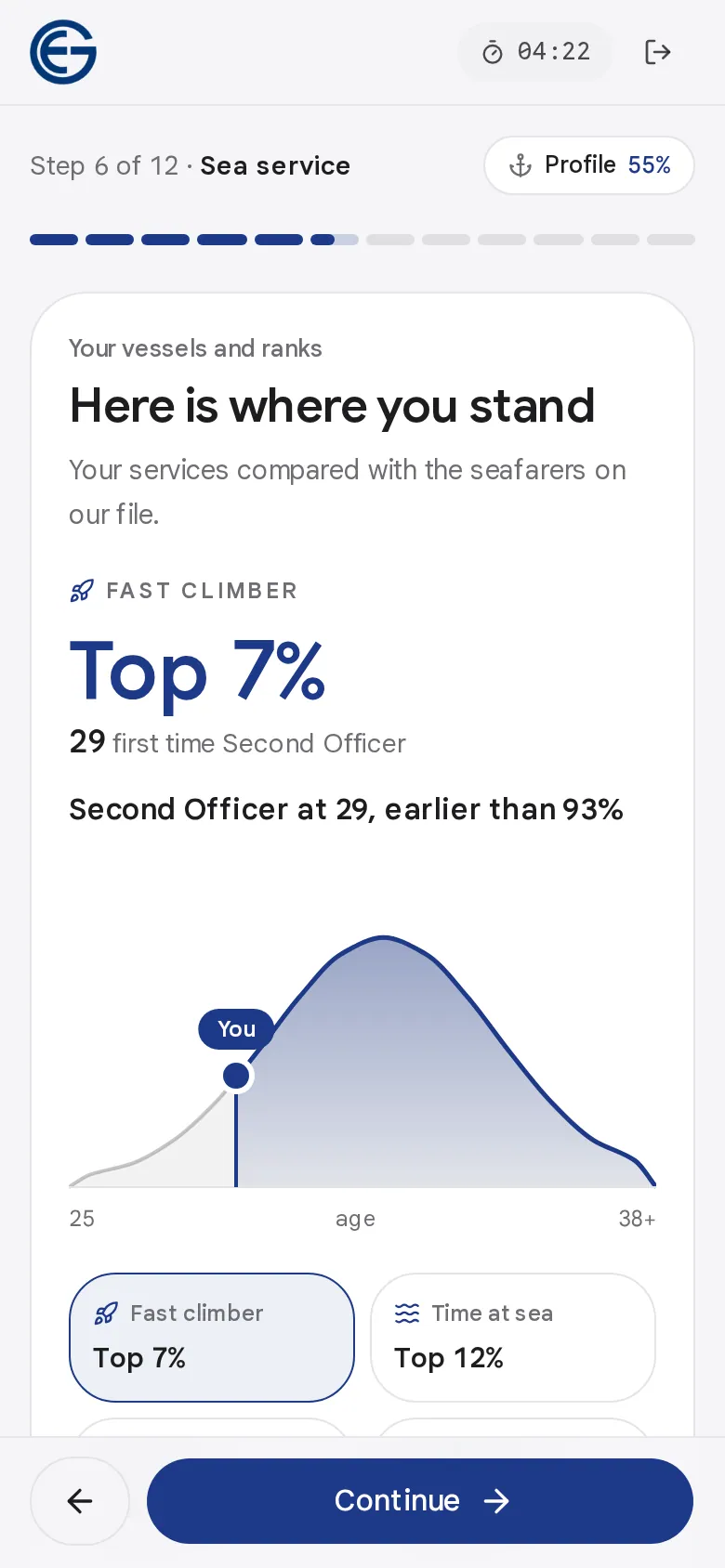
    Sea service

    The rank you apply for and where you have sailed. The rank you apply for gives you your Elvictor code.

  6. Step 6 of 6 · about 5:15

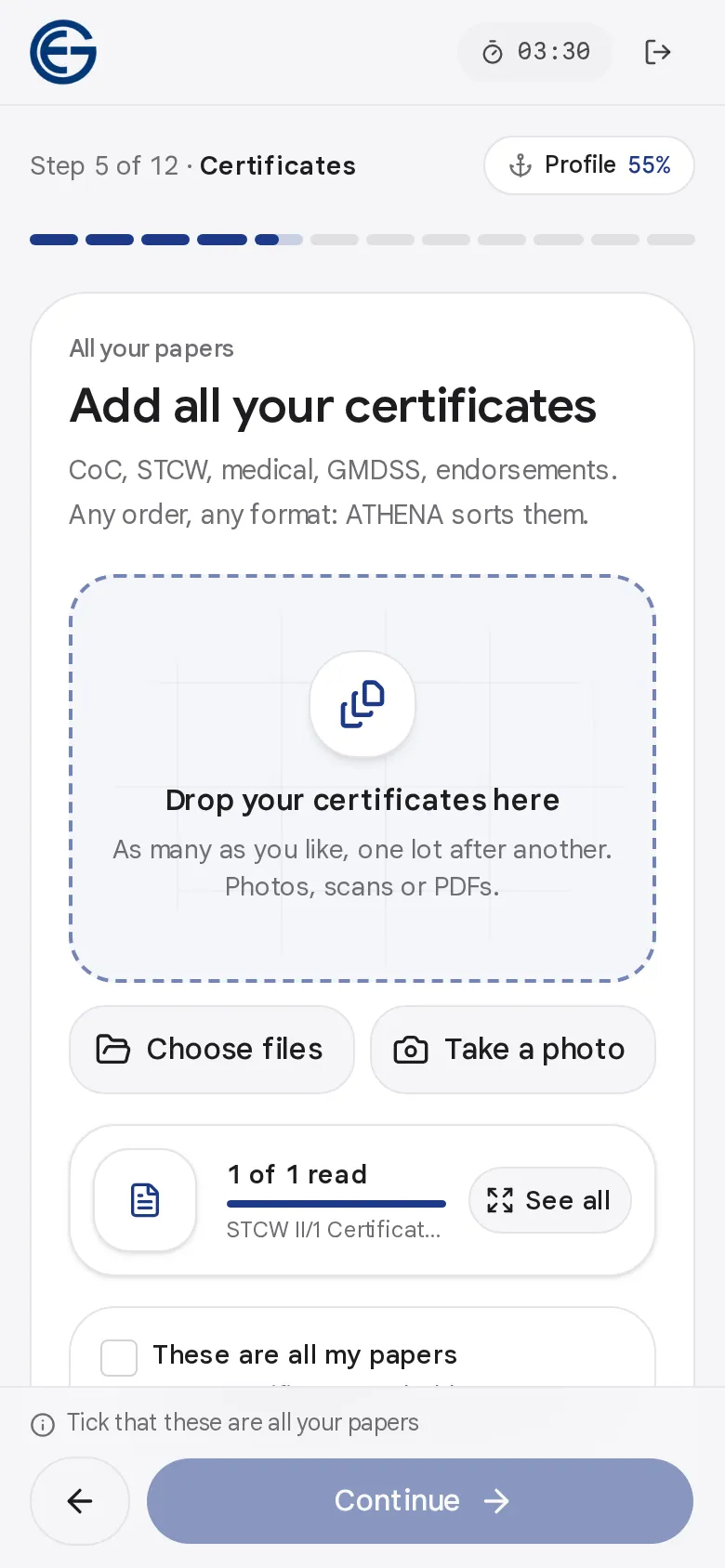
    Drop all your documents

    Every certificate, any order, any format, from your phone or a scan. Each one is read, named and dated for you.

You could have applied by now. Shall we?

After you send

Then it’s our turn.

  1. You are on file

    Your passport, your phone and your sea service make your profile: your papers, your career and ATHENA.

  2. We look at your papers

    Elvictor’s crew team checks them when it works with you. People, not a machine.

  3. We propose you

    When a ship fits, the crew team proposes you, and your next trip shows on your profile.

Questions

Before you start.

All questions & answers

How long does it take to apply to Elvictor?

Under five minutes when your documents are ready. Uploading scans can take about one minute; photographing papers with your phone takes about three to five minutes.

Actual time depends on how many documents you have, image quality, your connection and how much you need to review. The estimate covers completing your application, not the recruitment decision itself.

Which documents do I need to apply?

Start with your passport. Then add your seaman's book, certificate of competency, STCW training certificates, medical certificate and any flag endorsements you hold.

Previous appraisals and recommendation letters help too. You can add or renew documents later: your profile grows with your career.

My documents are on paper. Can I still apply?

Yes. Photograph each page with your phone. ATHENA detects the document, crops it and reads the details for you to check.

Good light, a flat surface and the whole page in the frame give the best results.

How does passport recognition work?

ATHENA reads the machine-readable zone (the two lines at the bottom of your passport), verifies its check digits and fills in your name, nationality, date of birth and passport details.

Nothing is saved from a passport whose check digits don't verify: you are asked for a clearer photo.

How will I know what is happening with my application?

Your application shows each step, done or still to do. Once your passport, your phone and your sea service are in, you are on file and your profile is open. What is still missing shows there, under Complete your profile.

Your next contract starts here.

Five minutes, your phone and the papers you already have. No queues, no fees.